
Email Automation for Nonprofits
When someone signs up to volunteer, donates, or requests updates, they have momentum. They are ready to go. They are taking action, which means they have energy and interest directed at something. They are revved up, and like an engine, if you do not keep it going, it sputters out and stops. To keep that momentum, it is your job as the organization they reached out to to follow up instantly. Not just with a generic thank you, but with something that moves them into a system that keeps them engaged until you can give them personal attention.
This is where email automation comes in. It’s not just auto-replies. It’s a sequence. A funnel. A series of messages that arrive at planned intervals, each one designed to keep the relationship alive and move the person closer to becoming a repeat participant. If you’ve ever signed up for software, you’ve seen this. Day one: welcome and first steps. Day two: here’s a key feature. Day three: success story from another user. Day four: tips to get the most out of it. Day five: invite to a webinar or community. That’s an email sequence, and nonprofits need the same thing.
In user experience design, there’s a principle called visibility of system status. It’s everywhere in your daily life. You just don’t notice it until it’s missing.
You press a button on a blender and nothing happens. You assume it’s broken. Someone changes lanes without a turn signal. That’s how accidents happen. The system failed to communicate, and now there’s confusion or worse.
Your donor communications work the same way. Someone donates and hears nothing back. Or they get a generic thanks three days later. They assume the system broke. Or that you don’t care. Or that you don’t really exist.
This is why your response needs to be fast and consistent and tied to what happens next. Not just thank you. But thank you, here’s what this does, and here’s what we’d love you to do next. Otherwise people forget what they were doing. Or they never come back.
The good news: you can automate this. You don’t need someone monitoring the inbox at midnight. You need rules that run themselves and a funnel that fosters ongoing relationships.
What Email Automation Actually Is
Email automation sends messages based on triggers you set. Someone does X, the system sends Y. No manual sending. No remembering to follow up. You’re setting up a chain reaction where action triggers response, and response keeps the person engaged.
This is often called a drip campaign or an email sequence. The term “drip” refers to the steady, scheduled delivery of messages over time, like water dripping from a faucet. Instead of dumping all your information at once, you space it out so people can absorb it and act on it.
Some people also call this a nurture sequence because the goal is to nurture the relationship. You’re not selling (usually). You’re building trust, showing impact, and creating opportunities for the person to go deeper.
In the for-profit world, this is standard. Sign up for a trial, get onboarding emails. Abandon a shopping cart, get a reminder. Download a lead magnet, enter a sales funnel. Nonprofits operate differently, but the underlying psychology is the same: people need structure, proof, and next steps to stay engaged.
The Funnel Concept
A funnel is a model for how people move from initial interest to committed participation. At the top, you have lots of people who take a small action (sign a petition, attend an event, make a small donation). As you move down the funnel, the number of people shrinks, but their level of engagement increases.
The funnel looks something like this: awareness (they hear about you), interest (they take a first action like signup, donation, or RSVP), engagement (they take a second or third action), commitment (they volunteer regularly, donate monthly, advocate publicly), and leadership (they recruit others, serve on a board, become ambassadors).
Email automation moves people down the funnel. It turns interest into engagement before you have the time or capacity to personally follow up. It keeps the engine running until you can take the wheel.
Without automation, most people never make it past the second step. They sign up, hear nothing, and drift away. With automation, they get a series of emails that prove the system works, show them impact, and give them multiple chances to participate before they go cold.
What You Need to Build This

A Database
You need a database. Somewhere that stores names, emails, and actions people take. Most nonprofits call this a CRM (Customer Relationship Management system, borrowed from the business world). Salesforce, NationBuilder, Keela, Neon One, Bloomerang, and others all function as CRMs. They track who did what and when, and they let you build automation on top of that data.
Forms
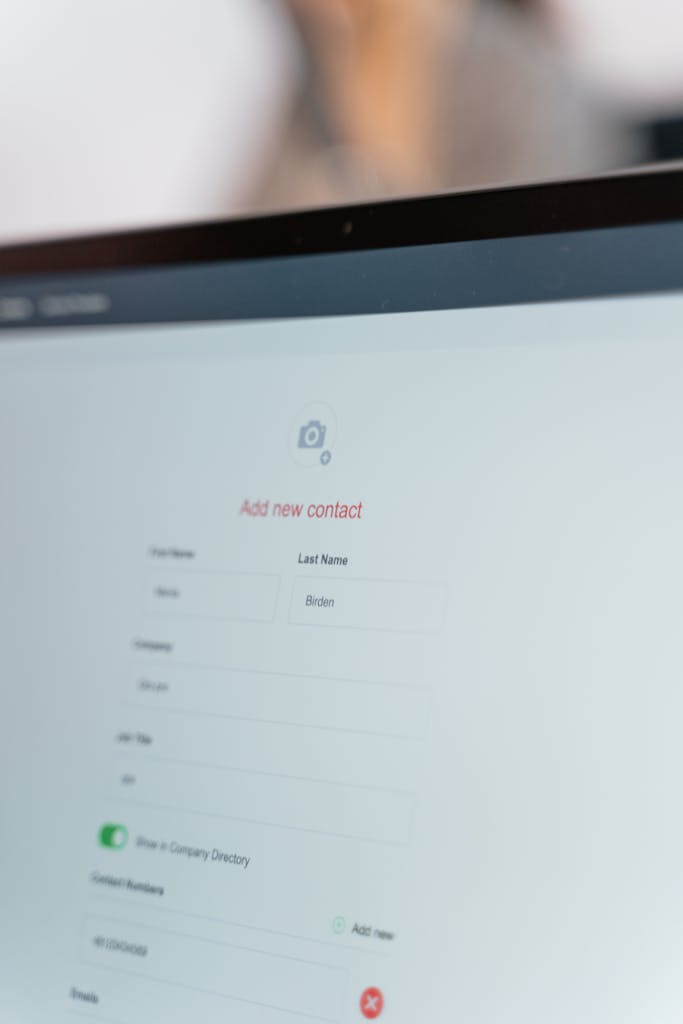
You need forms that feed the database. Signup forms. Donation pages. RSVP buttons. Every entry point needs to send information into your CRM so the system knows someone just acted. Most modern tools handle this automatically. When someone fills out a form on your website, their information flows into the CRM and triggers whatever automation you’ve set up.
Rules
You need rules (also called workflows, automations, or drip campaigns). These are if/then instructions. If someone signs up to volunteer, then send email A. Wait three days, then send email B. If they donate, send a different sequence. If they open email B but don’t click, send a follow-up. If they do click, move them to a different list. These rules run automatically once you set them up.
Templates
You need email templates. You write the emails once. The system sends them on schedule. Good email sequences are short, specific, and action-oriented. They don’t require someone to read for ten minutes. They give people one thing to know or one thing to do, then get out of the way.

Segments
You need segmentation. Not everyone gets the same sequence. Donors get one set of emails. Volunteers get another. Event attendees get a third. People who signed a petition but haven’t donated get a fourth. This is called segmentation: dividing your audience into groups based on behavior, interest, or demographic, then tailoring the messages to each group.
Why This Matters for Retention
New donor retention in the U.S. sits around 13.8%, according to data compiled by the Urban Institute. That means if 100 people donate for the first time, fewer than 14 will give again the next year. The ones who do give again often got immediate, specific follow-up that made them feel seen and gave them a reason to stay involved.
Volunteer retention follows the same pattern. Research published in the Journal of Marketing Management found that timely acknowledgment and clear next steps increase the likelihood someone will volunteer again. The gap between “I signed up” and “I did something meaningful” is where people fall off.
Email automation closes that gap. It turns one-time actions into ongoing relationships before momentum dies. It moves people into a funnel where they get multiple touchpoints, multiple opportunities to act, and multiple pieces of proof that their participation matters.
The Five-Step Automation to Build First
This is your baseline. If you automate nothing else, automate this sequence. It works for donors, volunteers, petition signers, and newsletter subscribers. Adjust the content to fit the action, but keep the structure.

The Instant Confirmation
Someone takes action. Within seconds, they get an email that confirms the system worked. “We got your signup. Here’s what happens next.” Include one specific next step. Not eventually. Now. This email reassures them and keeps momentum alive.

The First Real Task
24 hours later, send something they can do. Share a story. Sign a petition. Invite a friend. Forward an article. Make it small and concrete. This proves their participation leads to something real. It also tests whether they’re willing to act again.
The Proof
Three days later, show impact. “Because people like you showed up, this happened.” Use specifics. Numbers. Names. Photos. This is where you prove the work is real and their role in it matters. This email builds trust and emotional investment.
The Next Opportunity
One week in, give them another way to participate. A different action. A related cause. An event. A volunteer shift. This tests whether their interest is narrow or broad. It also keeps the relationship from going stale.

The Regular Rhythm
Two weeks in, transition them into your regular update cycle. Monthly newsletter. Weekly action alerts. Whatever your cadence is. By now they’ve taken multiple actions and seen results. They’re not cold contacts anymore. They’re part of the community.
This is a nurture sequence. It nurtures interest into engagement. It gives people structure. It reduces the burden on your staff. And it works whether you have five new signups a week or five hundred.
Advanced Automation Concepts
Once you have the basic five-step sequence running, you can layer in more sophisticated automation.
Triggers
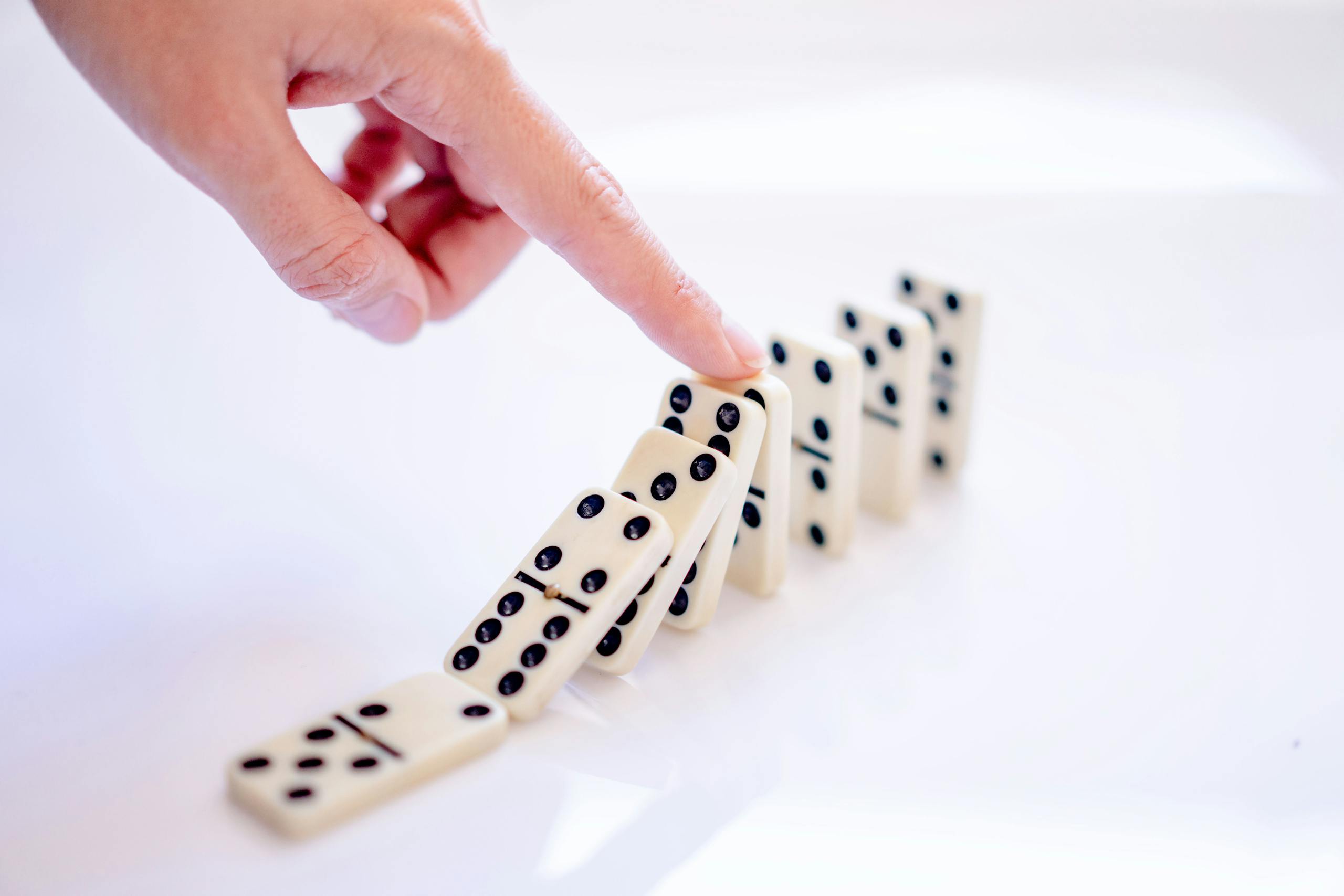
You can use behavioral triggers. Instead of just time-based emails (“send three days after signup”), you can trigger emails based on actions. If someone opens an email but doesn’t click, send a follow-up with a different call to action. If they donate twice in a month, send a personal thank-you or invite them to a donor event. This is called behavioral email automation or trigger-based messaging.

Lead Scoring
You can implement lead scoring. Some CRMs let you assign points based on actions. Open an email: +1 point. Click a link: +3 points. Donate: +10 points. When someone hits a certain score, the system flags them as a “hot lead” and alerts a staff member to follow up personally. This helps you focus your limited time on the people most likely to engage deeply.

A/B Testing
You can run A/B testing. Send two versions of an email to see which performs better. Test subject lines, calls to action, length, tone. Over time, you learn what resonates and what doesn’t. Most email platforms have A/B testing built in.

Re-Engagement
You can build re-engagement campaigns. If someone hasn’t opened an email in six months, send a “We miss you” sequence. Offer a low-barrier way to re-engage (a quick survey, a petition, a story). If they still don’t respond, remove them from your list. This keeps your list healthy and your open rates high.

Add Channels
You can expand to multi-channel automation. Email is one channel. SMS is another. Social media is a third. Some platforms let you automate across channels. Someone signs up, gets an email immediately, an SMS reminder the day before an event, and a Facebook message with a success story after. This is called omnichannel marketing or multi-channel automation.
How to Build This in Most Systems
Most nonprofits use one of two types of tools to manage contacts and send email. There are nonprofit CRMs like Keela, Neon One, Bloomerang, or NationBuilder, which are built for donation tracking, volunteer management, and event coordination. Then there are email marketing platforms like Mailchimp, Constant Contact, or ActiveCampaign, which are built for campaigns, newsletters, and automation.
Some organizations use a CRM for data and an email platform for messaging. The two systems sync, and automation runs on the email side. Others use an all-in-one tool that combines the database, donation processing, and email in one place.
What they all have in common
No matter which tool you use, email automation works the same way. You set a trigger (someone donates, volunteers, signs up, RSVPs). You write a series of emails. You define the timing (send immediately, wait three days, wait a week). Then you turn it on.
The interface changes. NationBuilder calls these “pathways,” Keela calls them “workflows,” Mailchimp calls them “journeys.” But the logic doesn’t. You’re building a sequence that runs automatically when someone takes an action.
Where they differ
Nonprofit-specific tools (Keela, Neon One, NationBuilder) are built around donation data, volunteer tracking, and fundraising metrics. They know what a recurring donor is. They understand event RSVPs and volunteer shifts. Automation triggers are designed for nonprofit workflows.
General marketing platforms (Mailchimp, ActiveCampaign) are built for e-commerce and sales teams. They’re powerful, but you’ll spend time adapting features designed for “customers” and “purchases” to work for donors and donations. Some nonprofits prefer them because they’re flexible and integrate with everything. Others find the learning curve isn’t worth it.
There’s also the all-in-one vs. best-of-breed question. Some tools (Keela, NationBuilder, Neon One) combine your database, donation forms, email, and reporting in one system. Others specialize. Your CRM handles data, your email platform handles messaging, your payment processor handles transactions. All-in-one is simpler. Best-of-breed gives you more control but requires syncing systems.
A CRM Recommendation
I’ve used a lot of systems over the years. Salesforce when I needed enterprise-level customization. HubSpot for inbound marketing workflows. Mailchimp and Klaviyo for email sequences. All of those platforms work, but they were built for for-profit companies selling products, and you feel it in every corner of the interface.
For most small to mid-sized nonprofits in New England, I’d recommend looking at Keela. It’s built specifically for nonprofits from the ground up, so the terminology matches the work. The workflows assume your goal is engagement, not just revenue. It’s a CRM, email platform, donation processor, and reporting tool in one system, which means less integration headache. The automation is powerful (on par with ActiveCampaign or HubSpot), but the interface is designed for small teams where one person handles communications, fundraising, and program coordination. The learning curve is shorter than Salesforce, and the support team understands nonprofit constraints.
That said, if you’re already using another system and it’s working for you, stick with it. The most important thing is that you have automation running, not which specific platform you use. If you’re currently duct-taping together Mailchimp, Google Sheets, and PayPal, moving to any proper CRM will be a huge leap forward.
What I Wish I’d Known When I Started
Migration is easier than you think. I delayed switching from my duct-taped system because I thought moving all the data would be a nightmare. Most CRM teams (including Keela’s) will handle the import for you. They imported contacts, donation history, and tags. The transition took days, not months.
You don’t need to automate everything at once. Start with the five-step donor onboarding sequence. Get that running. Then add volunteer follow-up. Then event coordination. Then re-engagement. Build it in layers so you can test and refine as you go.
The system is only as good as the data you put in. If your contact list is a mess (duplicates, outdated emails, missing names), clean it before you migrate. Most CRMs have deduplication tools, but garbage in, garbage out. Spend a week cleaning your data, and the system will work better from day one.
Tags are your best friend. Use them liberally. Tag people by interest, by campaign, by engagement level, by how they found you. Tags make segmentation easy, and segmentation makes automation powerful. “Donors who care about education and live in the Northeast and attended an event in the last year” becomes a segment you can message specifically.
Set up thank-you automation first. Before you build complex nurture sequences, make sure everyone who takes an action gets an instant thank-you. That alone will improve retention. Then layer in the rest.
How to Know If It’s Working
Sign up for your own list using an email you check. Go through the full sequence as if you were a new supporter. If the experience feels like talking to a system that cares, you’re on track. If it feels like silence punctuated by eventual marketing, rebuild it.
Check your data. What percentage of people who take a first action (donate, volunteer, sign up) take a second action within 30 days? If that number is rising, your automation is working. If it’s flat or falling, your follow-up isn’t giving people enough reason to stay.
Track unsubscribes by email. If certain emails spike unsubscribes, those emails aren’t landing. Rewrite them. Test new approaches. The goal is momentum, not attrition.
Look at open rates and click rates for each email in the sequence. Industry benchmarks for nonprofits hover around 25% open rate and 2–3% click rate. If you’re below that, your subject lines or content need work. If you’re above it, you’re doing something right.
What This Looks Like in Practice
Someone donates $25. The initial email arrives in seconds: “We got your donation. It’s going toward X. Here’s what happens next.”
The second email arrives the next day with a story about the work and a link to share it on social media.
The third arrives three days later with a photo of the thing their money helped fund and a quote from someone who benefited.
The fourth arrives a week later with an invitation to volunteer or attend an event and the fifth transitions them into monthly impact updates.
At each step, the person has something to do, something to see, or something to understand. The relationship builds. The second action becomes more likely. Retention stops being a hope and starts being a system.
That’s the funnel. That’s email automation. And that’s how you keep the engine running until you can move people to action in a more personal, manual way.